The 10 Best Laptops for Video Editing
CPU power, OLED displays, and 32 GB RAM separate capable editing machines from frustrating ones. Our research-backed picks cover every budget, from AMD-powered portables to premium AI PCs.
 By Eric Harvey
Updated July 23, 2026
By Eric Harvey
Updated July 23, 2026
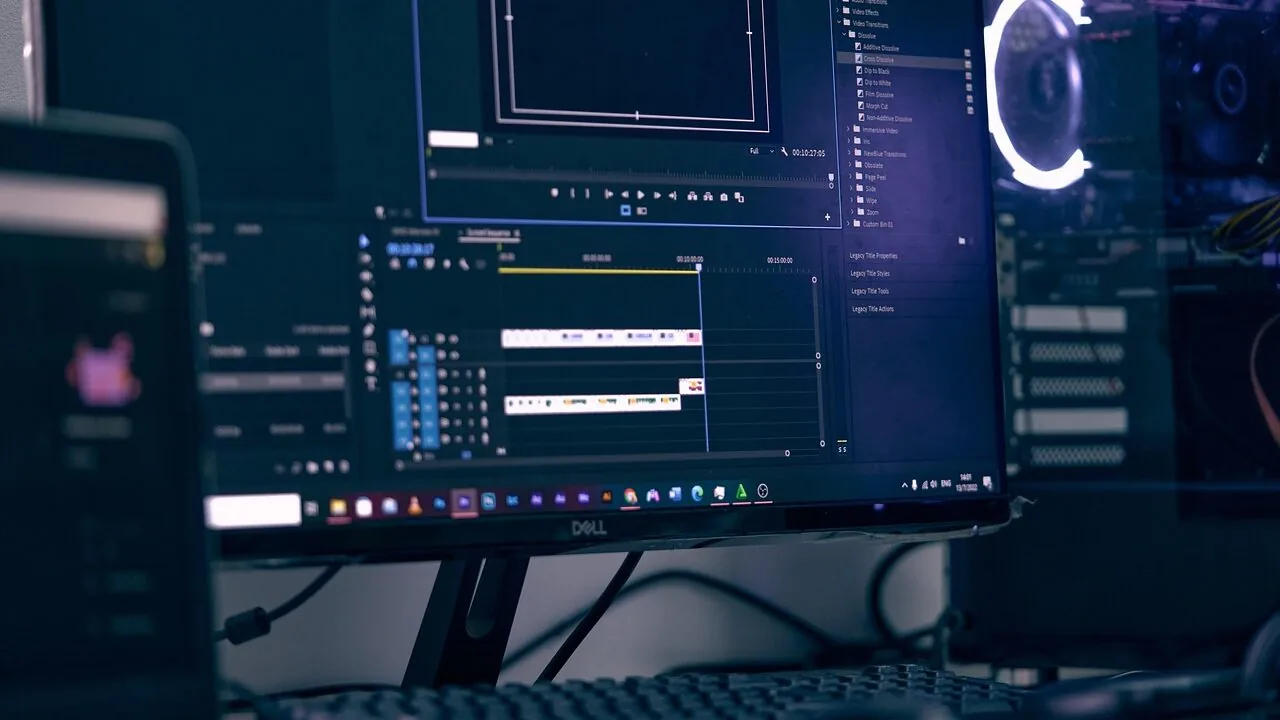
Choosing the right laptop for video editing is one of the most consequential gear decisions a creator can make. Unlike general-purpose computing, editing high-resolution footage places simultaneous demands on the CPU, GPU, RAM, storage throughput, and display accuracy.
A machine that falls short on any one of these fronts will frustrate you with dropped frames, sluggish scrubbing, or colors that look nothing like your final export.
Whether you cut social content on weekends or deliver client projects under tight deadlines, your laptop is the foundation of your entire workflow.
For anyone pairing their setup with an external portable monitor for color grading on location, the stakes are even higher.
At ProductFind, we researched each laptop in this guide by analyzing published specifications, synthesizing consensus from expert reviewer communities, and weighing verified buyer feedback from confirmed purchasers.
The result is a curated shortlist covering a range of budgets and use cases, from budget-friendly AMD-powered portables to OLED-equipped AI PCs designed for demanding creative workflows. Scroll down to see our full ranked picks.
| Award | Product | PF Score About PF ScoreThe PF Score is our own rating from 0 to 10, based on performance, design and build, ease of use, and value. It reflects independent research and is never influenced by manufacturers, retailers, or affiliate commissions. Learn more › | Price | |
|---|---|---|---|---|
| Best Overall |
 HP OmniBook X 16 OLED Touchscreen, Intel Ultra 7 255H, RTX 4050
|
8.4/10 | Buy | |
| Editor's Pick |
 ASUS Vivobook S16 16" 2.8K OLED 120Hz Intel Ultra 9 285H
|
8.3/10 | Buy | |
| Best Value |
 ASUS Vivobook S 16 with Intel Core Ultra 9 285H
|
8.2/10 | Buy | |
| Top Rated |
 Acer Aspire AI 14" Touchscreen Laptop, Intel Core Ultra 7
|
7.6/10 | Buy | |
 Acer Aspire AI 14 Core Ultra 7, 32GB RAM, 1TB SSD
|
7.2/10 | Buy | ||
 Dell Ryzen 7 16" Touchscreen Laptop, 32GB DDR5/1TB SSD
|
7.0/10 | Buy | ||
 NIMO 15.6 Ryzen 7 8745HS 32GB/1TB Gaming Laptop
|
6.9/10 | Buy | ||
 NIMO 17.3" Ryzen 7 8745HS Laptop, 32GB/1TB
|
6.8/10 | Buy | ||
 Dell Precision 5560 i7-11850H RTX A2000 Workstation
|
6.5/10 | Buy | ||
 NIMO 15.6" Ryzen 5 6600H Laptop 16GB/512GB
|
6.2/10 | Buy |
HP OmniBook X 16 OLED Touchscreen, Intel Ultra 7 255H, RTX 4050
A premium 16-inch creator laptop built on Intel's latest Ultra 7 255H processor with RTX 4050 graphics, 32GB RAM, and a standout 2K OLED 120Hz display. Well-suited for video editors, designers, and professionals seeking strong multitasking performance paired with vibrant color accuracy.
Pros
- Exceptional 2K OLED panel delivers cinema-grade color accuracy and fast 120Hz refresh ideal for content creators
- Intel Ultra 7 255H with AI accelerator (NPU) handles multitasking and AI-enhanced workflows smoothly
- RTX 4050 provides solid GPU performance for video editing and rendering at this form factor
- Well-equipped ports including Thunderbolt 4, HDMI 2.1, and SD card reader suit professional workflows
- Backlit keyboard, privacy shutter camera, and premium design appeal to business and creative users
Cons
- No verified buyer reviews available yet to validate real-world reliability and thermal performance
- Carries a premium price positioning it above mainstream mid-range creator laptops
- 16-inch OLED display power consumption may impact battery endurance under sustained creative workloads
ASUS Vivobook S16 16" 2.8K OLED 120Hz Intel Ultra 9 285H
A premium 16-inch laptop built for creative professionals, featuring a stunning 2.8K OLED display with 120Hz refresh rate, 600 nits brightness, and 100% DCI-P3 color accuracy. The Intel 16-core Ultra 9 285H processor paired with 32GB RAM and 1TB SSD delivers solid performance for design, video editing, and multitasking workflows.
Pros
- Exceptional display quality with 2.8K OLED, 120Hz, and professional color gamut ideal for designers
- Thin and lightweight at 3.31 pounds with compact 0.63-inch profile for portability
- Comprehensive connectivity including dual Thunderbolt 4 ports, HDMI 2.1, and Wi-Fi 7
- Generous 32GB RAM and 1TB SSD for demanding creative applications
- Windows 11 Professional with backlit keyboard and Harman/Kardon audio
Cons
- No verified buyer reviews available to assess real-world reliability and user satisfaction
- Intel 16-core Ultra 9 285H is a newer processor with limited independent performance benchmarking data
- Premium positioning likely reflects significant price point without competitive pricing context
ASUS Vivobook S 16 with Intel Core Ultra 9 285H
A 16-inch OLED laptop designed for creators and professionals, featuring a high-performance Intel Core Ultra 9 processor, 32GB DDR5 RAM, and a vibrant 3K display with 120Hz refresh rate. The 75Wh battery claims up to 16 hours of runtime, and the Intel AI Boost NPU adds on-device acceleration for modern workflows.
Pros
- 3K OLED panel with high color accuracy suits creative professionals like photographers and designers
- Robust specs (Core Ultra 9, 32GB DDR5, 1TB SSD) handle demanding workloads and multitasking
- Multiple display outputs (Thunderbolt 4, HDMI) support up to three external 4K monitors without docking
- 1080p IR webcam with privacy shutter and Windows Hello support for secure video calls
- Lightweight at 3.31 pounds with slim 0.63-inch profile for portability
Cons
- Product has been resealed with upgraded SSD, limiting it to one-year remaining ASUS warranty rather than full coverage
- No user reviews available yet to validate real-world performance and durability claims
- Premium positioning with Intel Core Ultra 9 may exceed needs for basic productivity tasks
Acer Aspire AI 14" Touchscreen Laptop, Intel Core Ultra 7
A lightweight business laptop built around AI acceleration and content creation, with a dedicated NPU enabling Copilot+ PC features, 32GB RAM, and 2TB storage. Best suited for remote workers, creators, and professionals who need portable power without compromise.
Pros
- NPU-enabled Copilot+ PC features run locally for privacy and offline functionality
- Robust specs for content creation, photo editing, and 1080p video work without bottlenecks
- Exceptionally thin and light at 3.09 lbs, ideal for mobile professionals and nomads
- All-day battery and WiFi 6E connectivity support remote work demands
- Comprehensive port selection via included USB hub eliminates need for multiple adapters
Cons
- No user reviews available yet, so real-world reliability and performance durability cannot be verified
- Touchscreen on a business laptop adds cost and may not justify the expense for non-creative users
- Windows 11 Home edition lacks enterprise security and management features of Pro
Acer Aspire AI 14 Core Ultra 7, 32GB RAM, 1TB SSD
A lightweight 14-inch business laptop built around Intel's Core Ultra 7 258V processor with dedicated NPU for Copilot+ PC features like real-time video effects and AI-assisted tasks. Designed for remote workers and content creators who need solid performance, touchscreen editing capability, and portability at 3.09 lbs.
Pros
- Dedicated NPU enables practical AI features like Copilot+ PC without cloud dependency
- Strong GPU performance for photo/video editing and GPU-accelerated tasks
- Excellent portability paired with robust specs for content creators and remote workers
- Comprehensive connectivity hub eliminates need for multiple adapters
- Windows 11 Home with Office 365 for productivity out of the box
Cons
- No customer reviews available yet to validate real-world performance and reliability
- Specifications list shows weight as 1 pound (conflicts with stated 3.09 lbs), creating uncertainty
- Limited graphics performance compared to dedicated GPUs for intensive 4K video work
Dell Ryzen 7 16" Touchscreen Laptop, 32GB DDR5/1TB SSD
A powerful business laptop built for professionals who need desktop-class performance in a portable form. The AMD Ryzen 7 processor, 32GB DDR5 RAM, and 1TB SSD handle demanding workloads like video editing and 3D rendering without compromise, while the 16-inch FHD+ touchscreen with extra vertical space suits productivity and coding work.
Pros
- Robust processing power and RAM combination suitable for resource-intensive professional applications
- 16:10 aspect ratio display provides extra vertical workspace for productivity and code editing
- Compact, lightweight design at under 4.2 lbs makes it genuinely portable for travel
- Extensive port selection including USB-C with DisplayPort and dual USB 3.2 for peripherals
- 1TB storage eliminates immediate need for external drives on large projects
Cons
- No user reviews available yet to validate real-world performance and reliability
- Weight specification appears inconsistent with dimensions listed (1 pound seems inaccurate)
- FHD+ resolution at 16 inches may feel less sharp compared to higher-resolution alternatives for detailed creative work
NIMO 15.6 Ryzen 7 8745HS 32GB/1TB Gaming Laptop
A mid-range 15.6-inch creator laptop combining AMD Ryzen 7 8745HS processing with Radeon 780M graphics, 32GB DDR5 RAM, and 1TB SSD in a sub-1.7kg chassis. Built for AI tasks, video editing, and 1080p streaming with USB4 expandability and 100W USB-C charging.
Pros
- Strong integrated graphics for 1080p streaming and light gaming without discrete GPU
- Exceptional connectivity including USB4, HDMI 2.1, and Micro SD reader for creator workflows
- Slim, lightweight design (under 1.7kg) without sacrificing 45W processor performance
- Upgradeable RAM and storage with dual SSD support for future expansion
- Universal 100W PD charging and fingerprint security as standard features
Cons
- No discrete GPU limits 4K rendering performance compared to dedicated RTX-equipped competitors
- Zero verified user reviews at time of assessment, limiting real-world reliability confirmation
- FHD display only, lacks the higher refresh rates or 2.5K resolution found in gaming-focused alternatives
NIMO 17.3" Ryzen 7 8745HS Laptop, 32GB/1TB
A 17.3-inch creative workstation built for AI work and 4K editing, powered by AMD Ryzen 7 8745HS with 32GB DDR5 RAM and Radeon 780M graphics. The large display, USB4 connectivity, and upgradeable components appeal to remote workers and content creators seeking desktop-class performance in a portable form.
Pros
- 54W processor delivers strong multitasking and 4K rendering capability for creative workflows
- 17.3-inch display with 180-degree hinge enables flat-lay presentations and flexible workspace configurations
- USB4 support allows external GPU expansion and simplified peripheral connectivity without multiple adapters
- 32GB DDR5 RAM and 1TB PCIe 4.0 SSD both user-upgradeable for future-proofing
- Compact 100W USB-C charger and 58Wh battery address portability concerns for mobile professionals
Cons
- No verified buyer reviews available to validate real-world performance claims or long-term reliability
- 4.6-pound weight and 0.74-inch thickness contradict marketing emphasis on ultralight portability for a 17.3-inch model
- Radeon 780M is integrated graphics; claims of 1080P streaming and Valorant performance depend on game-specific optimization rather than dedicated GPU muscle
Dell Precision 5560 i7-11850H RTX A2000 Workstation
A professional-grade 15.6-inch workstation built for content creators and engineers who need sustained performance on demanding applications. The combination of 11th-gen Intel vPro, RTX A2000 graphics, and 32GB RAM handles CAD, video editing, and 3D rendering without compromise.
Pros
- Powerful CPU and discrete GPU pairing optimized for professional software like AutoCAD, Premiere Pro, and Blender
- Abundant ports including dual Thunderbolt 4 and USB-C with DisplayPort for multi-monitor setups and fast external storage
- Solid 32GB RAM and 1TB SSD standard configuration eliminates upgrade bottlenecks for most workflows
- Full-sized backlit keyboard and fingerprint reader enhance daily productivity and security
- Intel Wi-Fi 6 and Bluetooth 5.2 provide reliable wireless connectivity for studio and remote work
Cons
- Renewed unit status means it may show cosmetic wear and comes without full original packaging
- No touchscreen on the 15.6-inch display, limiting input flexibility for certain creative tasks
- 7-pound weight and 0.46-inch thickness place it toward the heavier end of portable workstations
NIMO 15.6" Ryzen 5 6600H Laptop 16GB/512GB
A mid-range 15.6-inch laptop built around AMD's 6-core Ryzen 5 6600H processor with Radeon 660M graphics, designed for multitasking, remote work, and light content creation. Offers solid everyday performance with DDR5 RAM, expandable storage, and a practical port selection at a budget-conscious price point.
Pros
- Strong CPU performance relative to common entry-level thin-and-light competitors; handles sustained workloads without throttling
- Expandable RAM and storage design future-proofs the system as needs grow
- Comprehensive port suite (2 USB-C, 3 USB-A, HDMI, Micro SD, audio jack) reduces dongle dependency
- 100W PD charging with USB-C simplifies cable management for remote work setups
- 2-year warranty and US-based service adds confidence for long-term ownership
Cons
- Integrated Radeon 660M graphics lack dedicated GPU power for demanding video editing or 3D work despite marketing emphasis on 'creator' use
- No customer reviews yet on this listing make it difficult to assess real-world reliability and user experience
- 4.6-pound weight and 0.76-inch thickness put it in the heavier mid-range category for daily portability
Laptops for Video Editing Buying Guide
Video editing is one of the most demanding workloads you can run on a portable machine.
Understanding what each specification actually contributes to your editing experience will help you spend your budget where it matters most and avoid paying a premium for features that do not move the needle for your workflow.
CPU Performance: Cores, Clock Speed, and Architecture

The processor is the single most important component for video editing. Modern editing applications like DaVinci Resolve and Adobe Premiere Pro are designed to exploit multiple CPU cores simultaneously, particularly during export, transcoding, and effects rendering.
A chip with a high core count and fast boost clock will dramatically shorten your render queue.
Intel’s Core Ultra series and AMD’s Ryzen 7 and 9 lines both deliver strong multi-threaded performance in the laptops featured here, though architectural differences mean raw clock speed is not always the deciding factor.
For 4K editing and beyond, prioritize a processor with at least eight performance cores.
Chips like the Intel Core Ultra 9 285H found in the ASUS Vivobook S16 models in this guide represent a generational leap in hybrid architecture, blending performance cores with efficiency cores to handle sustained rendering workloads without the thermal runaway common in older designs.
Budget-oriented editors working primarily with 1080p H.264 footage will still find AMD Ryzen 7 8745HS chips more than capable for their needs.
GPU and Hardware Acceleration
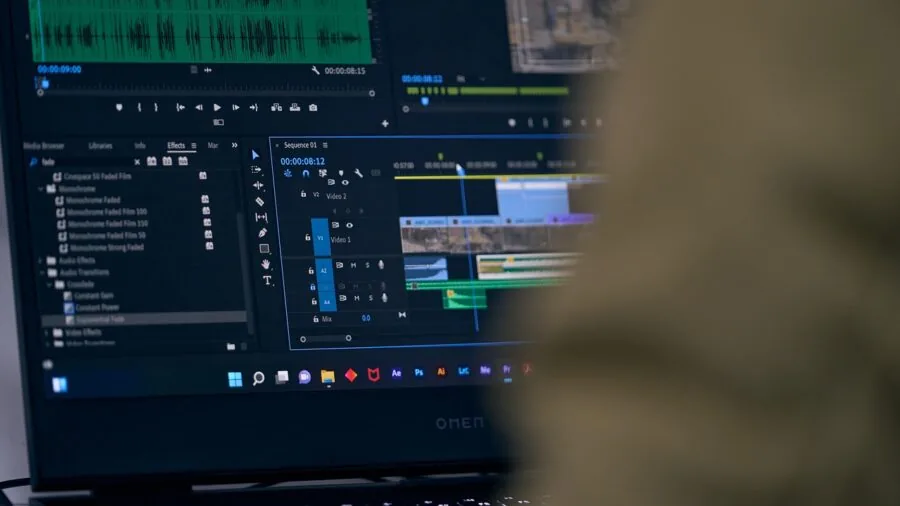
A dedicated GPU matters enormously for video editing, but perhaps not in the way most people expect. Modern editing software offloads specific tasks to the GPU, including real-time playback of high-bitrate footage, GPU-accelerated color grading, and rendering of GPU-based effects.
NVIDIA RTX cards are particularly well-supported across the major editing platforms, with hardware-accelerated encoders and decoders that can cut export times significantly compared to CPU-only pipelines.
The HP OmniBook X with RTX 4050 discrete graphics illustrates how even a mid-range GPU can meaningfully accelerate a creative workflow.
Integrated graphics have improved considerably. AMD’s Radeon 780M iGPU, found in several NIMO laptops in this guide, is capable of light 4K scrubbing and basic color work.
However, if you regularly apply multiple effects layers, work with RAW or ProRes footage, or use GPU-intensive plugins, a dedicated GPU is worth the investment.
The Dell Precision 5560 with its NVIDIA RTX A2000 remains a compelling professional workstation option for those who need workstation-class graphics in a portable form factor.
RAM: How Much Is Enough for Your Resolution
Video editing is memory-hungry. A 4K timeline in Premiere Pro with multiple tracks, titles, and color grades can easily consume 16 to 20 GB of RAM on its own, leaving nothing in reserve for the operating system and background processes.
This is why 32 GB of DDR5 RAM has become the practical minimum recommendation for 4K work in 2026.
Every laptop in our top-ranked tier ships with 32 GB, and for good reason: editors who try to stretch 16 GB for multi-camera 4K projects frequently report stuttering playback and frequent cache flushes that slow their editing rhythm.
DDR5 memory, as found across the Intel Core Ultra-based machines in this guide, also brings higher bandwidth compared to DDR4, which helps the CPU pipeline data to and from memory faster during sustained workloads.
If you are editing 1080p content or short-form social videos, 16 GB can be workable, but investing in 32 GB gives you meaningful headroom as your projects grow in complexity.
Storage Speed and Capacity
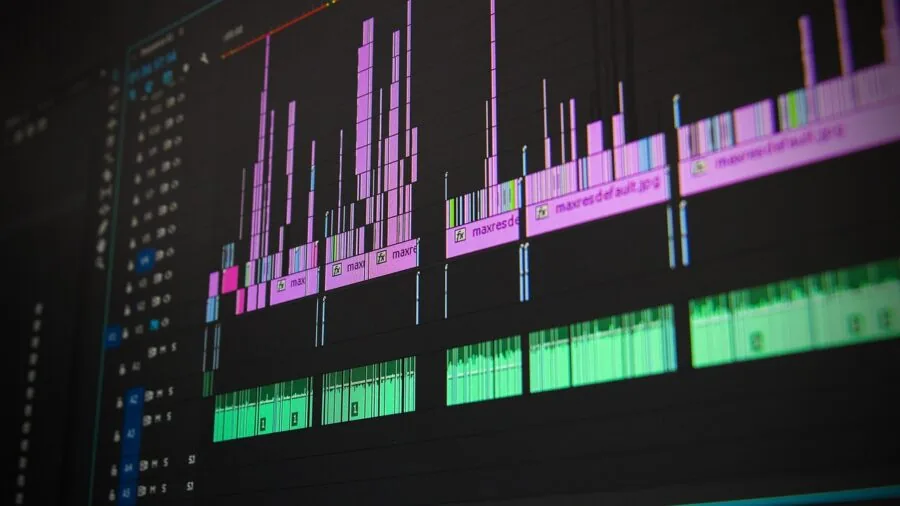
Your SSD is the pipeline between your storage and your editing application. Slow storage causes frame drops during playback and long waits when loading large project files.
All the laptops in this guide ship with NVMe SSDs, but not all NVMe drives are created equal. Gen 4 NVMe drives offer roughly double the sequential read speeds of Gen 3, which translates to smoother scrubbing on high-bitrate footage.
If you frequently work with uncompressed or minimally compressed formats, storage speed becomes a visible performance factor.
Capacity matters just as much as speed. Raw video footage accumulates fast: a single hour of 4K footage at a typical run-and-gun bitrate can occupy 50 GB or more, and ProRes files run significantly larger.
The Acer 2026 Aspire AI configuration with 2 TB SSD stands out for editors who want to keep large project libraries local without constantly shuffling files to an external drive.
For those who do rely on external drives, investing in a quality USB-C hub with fast Thunderbolt or USB4 passthrough is a practical complement to a smaller internal SSD.
Display Quality: Color Accuracy and Resolution

A video editing laptop’s display is not just a convenience feature; it is a professional tool. Color grading on a panel that cannot accurately reproduce the DCI-P3 color space means your creative decisions will not translate correctly to other screens.
The best panels in this guide are OLED displays covering 100% DCI-P3, with peak brightness ratings high enough to evaluate HDR content.
The ASUS Vivobook S16’s 2.8K OLED panel at 600 nits and 100% DCI-P3 coverage sets a strong benchmark for what a creator-focused display should deliver at this price tier.
Resolution and refresh rate also play into the editing experience. A higher-resolution panel gives you more screen real estate for your timeline, effects panels, and preview window simultaneously.
A 120 Hz refresh rate keeps the UI feeling responsive and fluid during fast scrubbing.
Editors who work at a desk and want more display space frequently use their laptop alongside a second portable monitor, making panel connectivity and color calibration between screens an important consideration.
Thermal Management and Sustained Performance

Many laptops look impressive on a specification sheet but throttle aggressively under sustained load, dropping CPU and GPU clocks to manage heat.
For video editing, where renders and exports can run for 20 to 60 minutes continuously, thermal headroom is a practical performance ceiling. Thin and light ultrabooks often trade sustained performance for portability, which is a genuine trade-off worth understanding before buying.
If you run long exports frequently, a laptop cooling pad can meaningfully reduce thermal throttling and extend the periods at which your chip maintains peak clock speeds.
Expert reviewer consensus consistently highlights thermal management as one of the sharpest differentiators between similarly-specced machines. The Dell business laptop in this guide, powered by AMD Ryzen 7 170, earns favorable notes for its chassis cooling capacity relative to its form factor.
Workstation-class machines like the Dell Precision 5560 prioritize sustained throughput over slim profiles, which is the right trade-off for editors who treat render time as billable time.
Why You Should Trust Us
ProductFind is an independent editorial publication. We do not accept payment for product placement, and no brand relationship influences which laptops appear in our recommendations or how they are ranked.
Every laptop in this guide was evaluated against a consistent set of criteria covering CPU architecture, GPU capability, memory configuration, storage performance, display specifications, thermal design, and verified owner satisfaction.
Each product receives a PF Score on a 0 to 10 scale, synthesized from multiple data points rather than a single dimension of performance.
We do not conduct our own product trials; our evaluations are grounded in research, published data, expert review consensus, and verified buyer feedback.
This approach allows us to assess a broader range of products with consistent methodology, drawing on the collective experience of editors and verified purchasers who have used these machines in real creative workflows.
When expert consensus and buyer feedback align strongly on a machine’s strengths or weaknesses, that signal carries significant weight in the final PF Score.
ProductFind may earn a commission when you purchase through links in this article. That affiliate relationship has no bearing on our rankings, scores, or editorial decisions. Our recommendations exist to help you find the right tool for your workflow, not to maximize commission revenue.
Final Thoughts
After researching the full field of available options, the laptops in this guide represent the strongest performers across different budgets and editing use cases. Here is how we assign editorial honors based on PF Score and verified strengths:
- Best Overall: HP OmniBook X Touchscreen Laptop earns the top spot with the highest PF Score in the group, combining an OLED display, discrete RTX 4050 graphics, and a capable Intel Core Ultra 7 processor into a well-rounded creative machine that handles demanding editing workflows with confidence.
- Best OLED Display for Creators: ASUS Vivobook S16 AI PC delivers a 2.8K OLED panel at 120 Hz with 100% DCI-P3 coverage and 600 nits brightness, making it the strongest display choice for color-critical work among the Windows laptops here.
- Best AI PC for Photographers and Designers: ASUS Vivobook S 16 AI PC (3K OLED) pairs the Intel Core Ultra 9 285H with a 3K OLED panel and Wi-Fi 7 connectivity, earning strong marks from verified buyers who prioritize visual fidelity and workflow versatility alongside video editing.
- Best Budget-Friendly Option: NIMO 15.6 Gaming-Creator Laptop offers an eight-core AMD Ryzen 7 8745HS with 32 GB RAM at an accessible price point, making it the most practical entry into capable video editing without stretching into premium territory. Pairing it with a slim laptop sleeve keeps it protected on the move.
- Best for Mobile Professionals: Acer 2026 Aspire AI (2 TB SSD) stands out for on-location creators who need abundant local storage alongside a long-battery Intel Core Ultra 7 258V chip and a built-in USB-C hub, minimizing the dongle tax for editors who work away from a desk.
Whichever machine you choose, pairing it thoughtfully with your peripherals makes a real difference. A reliable USB-C hub expands connectivity for external drives and monitors, while a quality cooling pad helps sustain peak performance during long export sessions.
If your work ever extends beyond the laptop screen, consider adding a color-accurate portable monitor to your kit. For editors whose workflow also involves a fixed workstation setup, our guide to gaming desktops covers high-performance desktop builds worth comparing.
And if you want flexibility beyond a traditional clamshell, our roundup of 2-in-1 laptops explores convertible options that double as drawing tablets for motion graphics work.
Frequently Asked Questions
How Much RAM Do I Actually Need for 4K Video Editing?
For 4K editing, 32 GB of RAM is the practical minimum that allows smooth multi-track timeline playback, real-time effects preview, and headroom for the operating system running concurrently.
Editors working exclusively with 1080p footage and lighter project structures may get by with 16 GB, but 32 GB removes a meaningful performance ceiling and future-proofs your setup as project complexity grows.
All of the top-ranked laptops in this guide ship with 32 GB for this reason.
Is a Dedicated GPU Necessary for Video Editing, or Can an Integrated GPU Handle It?
It depends on your footage format and the software you use. Integrated graphics like AMD’s Radeon 780M can manage 1080p timelines and basic 4K scrubbing in hardware-accelerated applications.
However, for GPU-intensive tasks such as color grading in DaVinci Resolve, rendering After Effects compositions, or working with RAW or ProRes footage, a dedicated GPU meaningfully reduces waiting time and improves real-time playback quality.
If your budget allows, a discrete GPU is worth prioritizing, especially as editing software increasingly offloads work to the GPU rather than the CPU.
Does Display Color Accuracy Really Matter If I Export for Online Platforms?
Yes, and perhaps more than editors new to color work expect. Online platforms like YouTube and streaming services display content across a wide variety of screens, and your grade should start from a known, accurate color reference.
A panel that covers 100% DCI-P3 with low delta-E ensures the creative choices you make during editing are intentional rather than artifacts of an inaccurate display.
Editors who grade on uncalibrated panels frequently discover their exported videos look different on client screens than on their own laptop.
What Is the Difference Between a Gaming Laptop and a Creator Laptop for Video Editing?
Gaming laptops and creator-focused machines often share similar CPU and GPU specifications, but they differ in display tuning, thermal profiles, and software optimization.
Gaming panels are typically calibrated for fast response time and high refresh rate rather than color accuracy, while creator laptops prioritize wide color gamut coverage and factory calibration.
That said, a well-specced gaming laptop with a color-accurate IPS or OLED panel can serve a video editor very well, and several machines in this guide straddle both categories effectively.
Always verify the panel’s DCI-P3 coverage and peak brightness before purchasing, regardless of how a laptop is marketed.
Should I Consider a Refurbished Workstation Laptop for Video Editing?
Renewed or certified refurbished workstation laptops can offer excellent value, particularly for editors who need workstation-class GPU performance but cannot justify the cost of a new machine.
The Dell Precision 5560 Renewed in this guide is a good example: its NVIDIA RTX A2000 is a professional-grade GPU with ECC memory support, which commands a significant premium when new.
The trade-off is an older-generation processor and potentially shorter remaining warranty coverage. For professional environments where ISV-certified drivers and workstation GPU reliability matter, a renewed workstation can be a smart budget allocation.
What Else Should I Budget for Alongside a Video Editing Laptop?
Beyond the laptop itself, the accessories you pair with it shape the daily editing experience significantly.
A fast external SSD or NAS for media storage, a calibrated portable monitor for a two-screen editing setup, and a capable USB-C hub for drive and display connectivity are the highest-impact additions for most editors.
If you work at a fixed desk for long sessions, a cooling pad can reduce thermal throttling during extended exports.
Protecting your investment with a quality laptop sleeve is worth factoring in if you travel frequently between shoots and edit suites.
About the author
Eric is a reviewer and writer for ProductFind who specializes in Computers & Laptops. Eric evaluates products through independent research: specifications, expert review consensus, and verified buyer feedback, and rates each one on the PF Score. Eric focuses on helping readers pick the right computers & laptop for their needs and budget.